Edit PDFs online, the text too.
Free and open source. And not a single byte of your document leaves your computer.
Edit, sign and fill in PDFs. Free, no account.
Drop your PDF here
The file stays in the browser: not a byte goes to a server. …or drop it here. The file stays on your computer.
·


Privacy
Not a single byte of the document leaves your computer.
The PDF opens, is edited and is saved in your browser. We don’t upload it anywhere, not even to our own servers. And you don’t have to take our word for it: the code is open, anyone can check what it does.
- No upload The file never goes through a server. Your browser’s network panel shows it too.
- Open, verifiable code You know exactly what happens to your file, because you can read it.
- No account, no tracking No e-mail, no cookies. Visits are counted anonymously.
Made from scratch
Not a copy of another program. Written from scratch, with AI, line by line.
Capriole was not built by reconstructing commercial software. The engine that reads, draws, edits and signs PDFs is written from the ground up, and the interface is designed for Capriole: artificial intelligence is the tool of the trade.
- A new PDF engine Written from scratch in C++23: the same code in the browser and on the computer. For the standard parts (compression, images, fonts, cryptography) well-known open source libraries, all listed.
- An interface of our own Designed for Capriole, borrowed from no one.
- Use it with peace of mind 0BSD licence: at home, at the office, in your company, without asking permission. And you can read every line on GitHub.
Features
Everything a PDF needs.
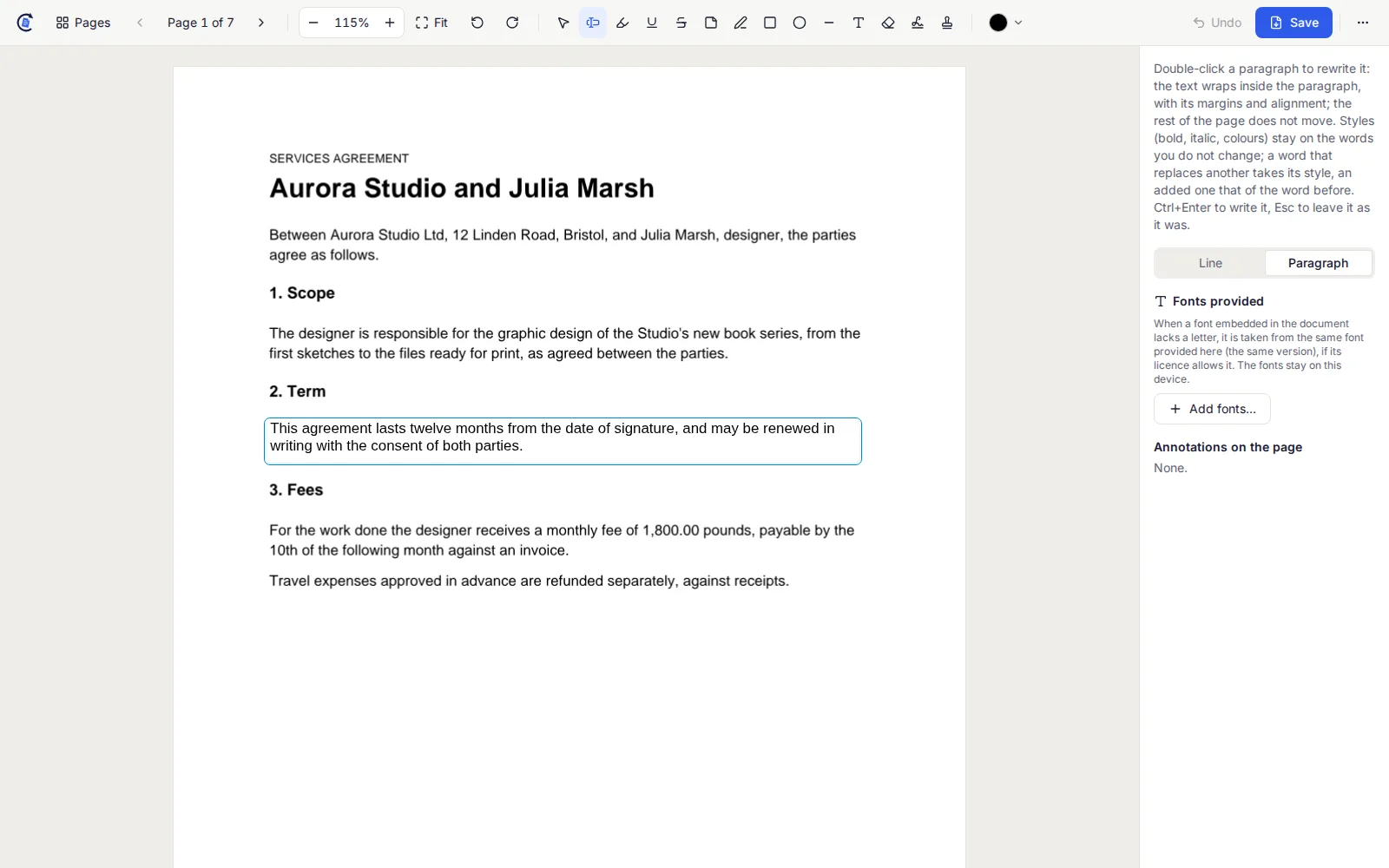
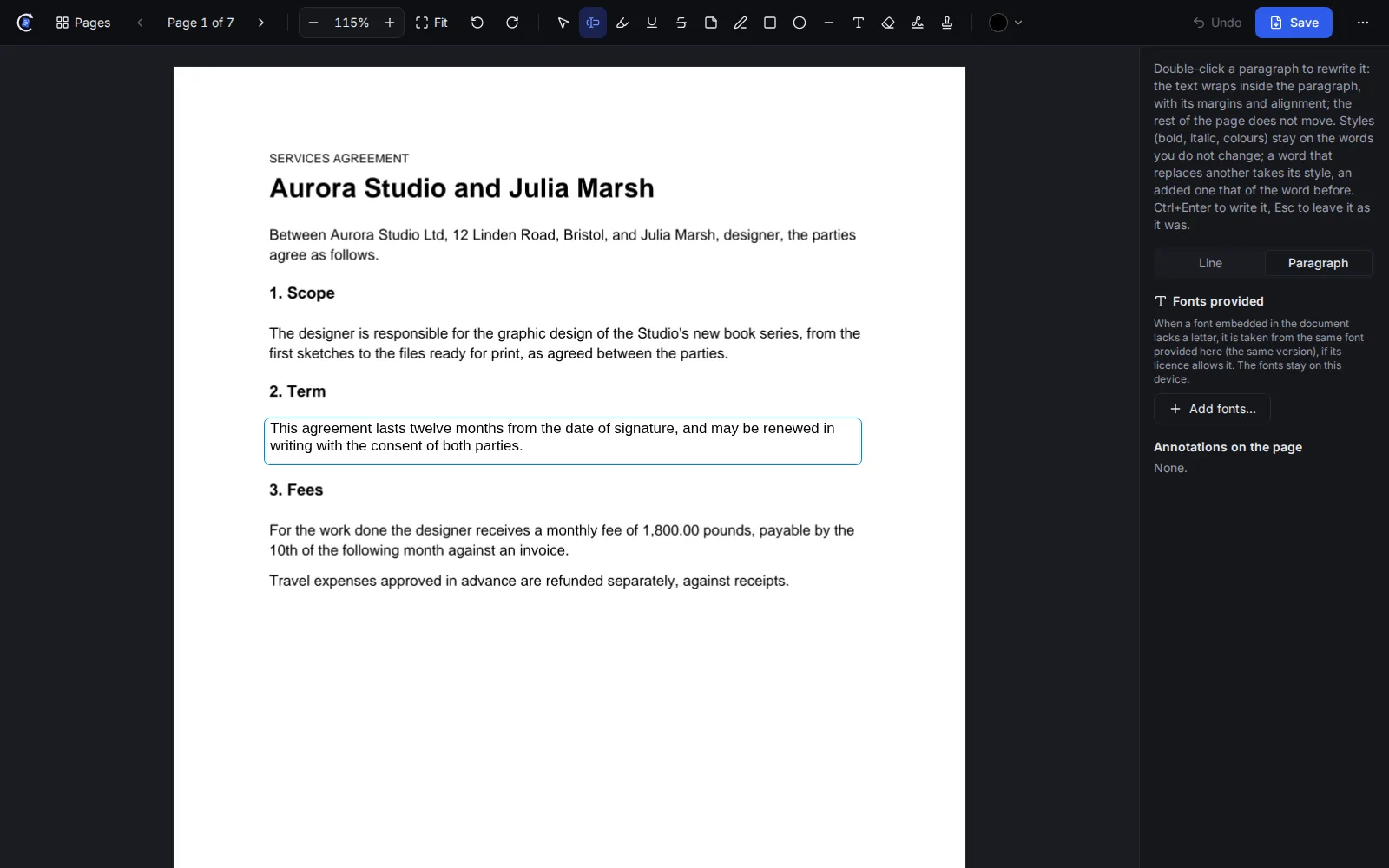
- Edit the text Lines and paragraphs, in the document’s own font.
- Pages Reorder, rotate, delete, extract, merge.
- Annotations Highlights, notes, pen, shapes, on scans too.
- Forms Fill in the fields and save.
- Digital signature PAdES with your certificate; signature check.
- Real redaction Removes the content from the file, doesn’t cover it.
- PDF/A For long-term archiving.
- Attachments and invoices Factur-X and ZUGFeRD, to read and to create.
- Damaged files They open anyway, and it tells you what it repaired.
Screenshots
Take a look before you try.
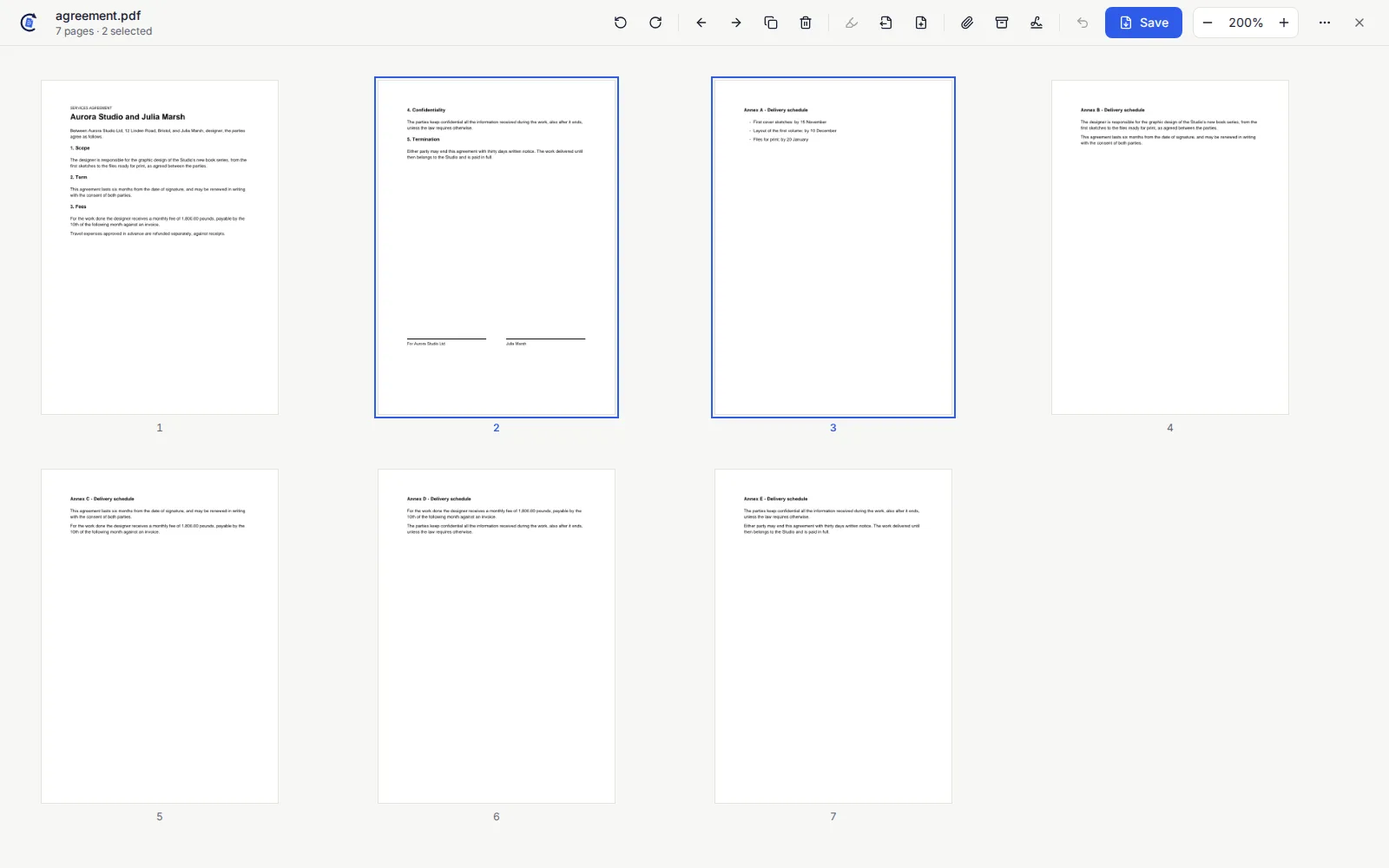
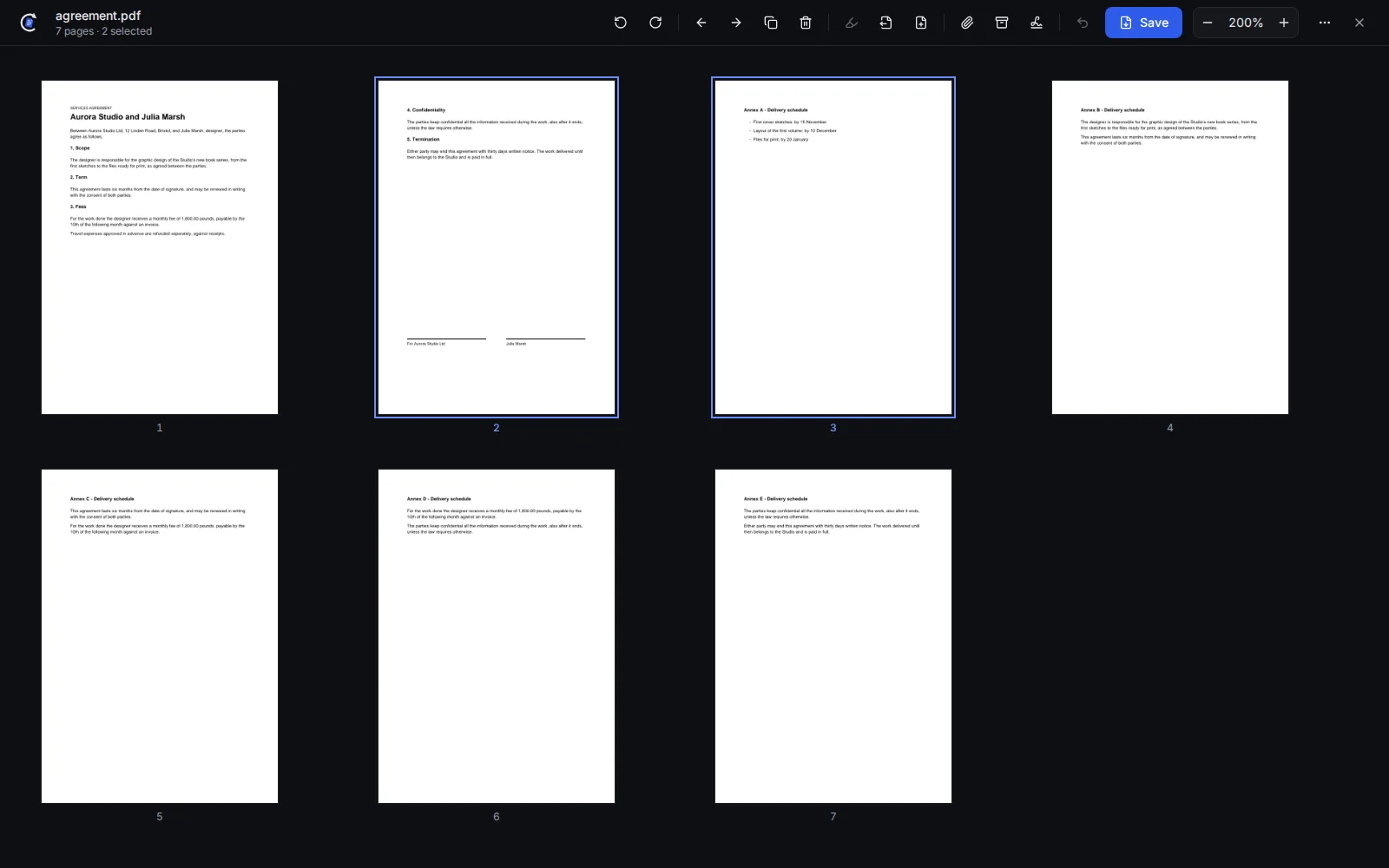
The thumbnails: drag to reorder, rotate, delete, extract; merge another PDF.
Desktop app
Need more? It’s on Windows and Linux too.
The same Capriole, installed: it saves straight to the disk, works offline, signs with a smart card and creates long-term signatures.
Free as well. On a Mac, use the web version. All versions and release notes
The installer is not signed yet: Windows may warn that the publisher is unknown. Choose «More info», then «Run anyway».
Questions
Frequently asked questions
Is it free?
Yes, every feature, with no account. And it’s open source.
Is my file uploaded anywhere?
No, not a single byte. The PDF opens and is edited in your browser; it goes through no server, not even ours. Only if you add a time stamp to a signature does the service you chose receive the signature’s fingerprint (hash), not the document.
Where does Capriole come from?
It is written from scratch, with AI as the tool of the trade: the PDF engine and the interface are not derived from other programs. For the standard parts it uses well-known open source libraries, listed in «About and licences».
Can I use it at work?
Yes. The licence is 0BSD: you can use, copy and modify it, for work too, without asking anything.
Can I edit the text of any PDF?
Of PDFs that have real text, yes: lines and paragraphs. Scans are images: there you can annotate, not rewrite.
Is the digital signature valid?
Capriole creates PAdES signatures, the European standard for signed PDFs. Their legal value depends on the certificate you sign with.
Got a PDF to fix? Go back up and drop it on the card ↑